![mousemat.png]](https://fundamentals.theretailscore.com/hs-fs/hubfs/mousemat.png?height=40&name=mousemat.png)
See the following link to create an account.
Getting Started
- New users will receive a unique welcome pack specialised to the user.
- This welcome pack will request users to create a personalised password to gain access to the tRS Portal
- This welcome pack will identify if the user requires, tRS Cubed access and direct users to the tRS Cubed Setup instructions under the
 icon once they have accessed the Insights Portal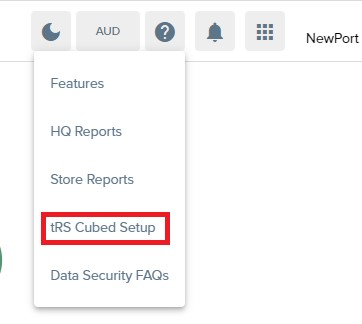
ATTENTION
- The tRS Cubed instructions are very important as they contain the Users Unique tRS ID
- If a user resets their password, these instructions will need to be followed to update the password.
Note: This unique id includes the entire TRS\+Name example - "TRS\User.Name"
It is important to note that all characters inside the " " are required to be included
Helpful Articles