![mousemat.png]](https://fundamentals.theretailscore.com/hs-fs/hubfs/mousemat.png?height=40&name=mousemat.png)
Background
- A Page Filter is used to put a specified lens over a single report page.
- The three common groups we draw our page filters from are the Location, Product, and Calendar/Relative Period areas of the cube
- There is no limit to how many page filters you can have on any one page. If a large request, it will have to be sized up accordingly.
- Below are the two current ways we can display the page filters
1. Within a Panel on the Left-Hand Side of the Page
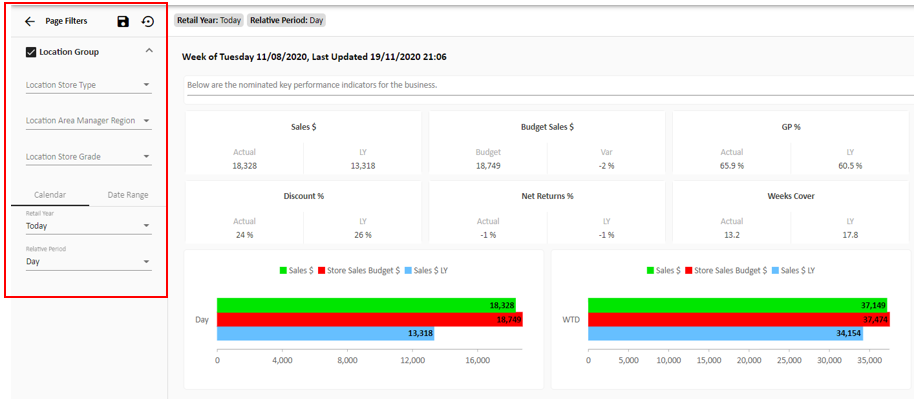
- The Panel on the Left is known as a Page Filter Component
- Key Functionality includes:
- Ability to multi-select and single select within filters
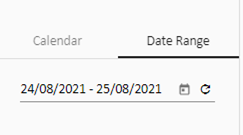
- Ability to change between different types of calendars (financial, retail, gregorian, date-range) on the same page.
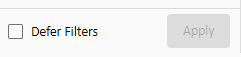
- A defer layout button that allows you to make as many filter selections as you want (without having to wait for a load each click) and then apply them all at once.
- A Save Icon, which, when selected, saves your filter selections in the Data Panel for each future login.
Multi-Select Single Select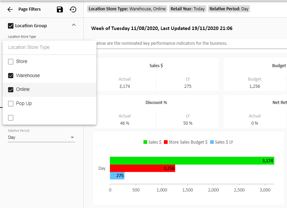
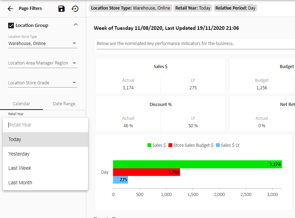
Calendar Date Range
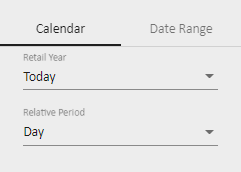
Defer Layout Button
2. Along the Top of the Page
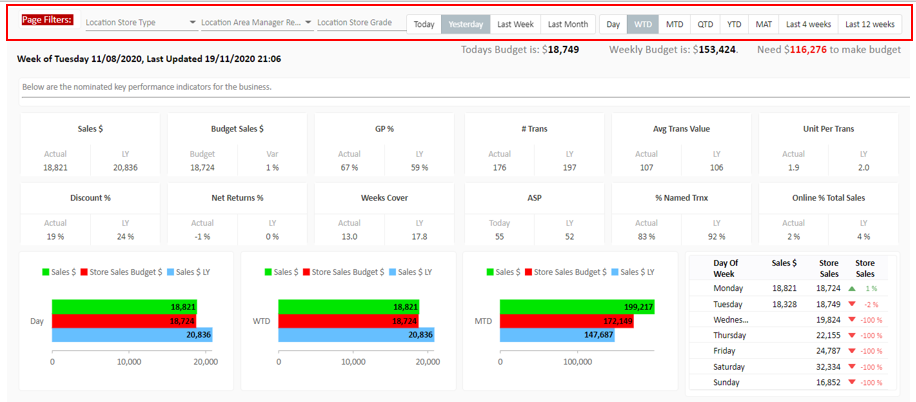
- This option is our older method of the two.
- Supports buttons, like the calendar example shown above
- Supports multi & single select filters
- Limitations:
- Doesn't support Defer Layout
- Doesn't support both Calendar and Date Range on the one page
- Doesn't fix to the top of the page when scrolling, making it difficult for the user to see what has been applied
- Visually has a limitation on how many filters can be applied one row