![mousemat.png]](https://fundamentals.theretailscore.com/hs-fs/hubfs/mousemat.png?height=40&name=mousemat.png)
In order to open a pivot connected to your cube quickly, we recommend saving an excel file as a template(s) and creating a shortcut to your desktop.
Follow these steps:
1. Open an excel pivot connection
2. Customise to suit your personal preferences. This may include:
- setting Calendar filters such as Relative Period
- setting attribute filters specific to your business area of focus
- customised pivot table design
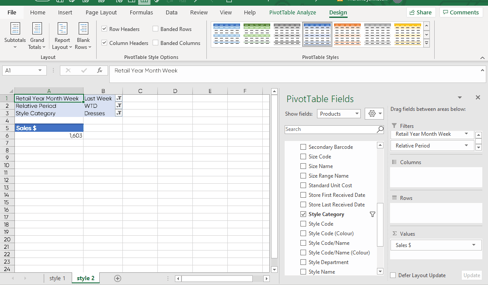
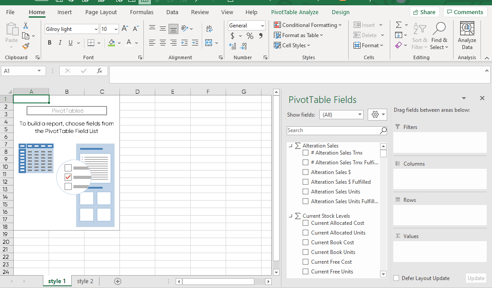
- or save as a new connection with no selections
3. Save file to Desktop and save file name as 'Template'
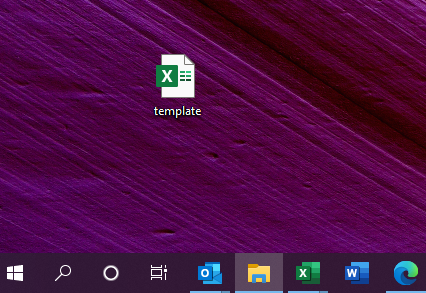
4. Double Click the file on your Desktop to open
5. Save As " " to keep the template and save the new report in desired location.