![mousemat.png]](https://fundamentals.theretailscore.com/hs-fs/hubfs/mousemat.png?height=40&name=mousemat.png)
Portal Navigation
Background
- The Portal is very intuitive when it comes to navigation
- The primary source of navigation is the ribbon highlighted below
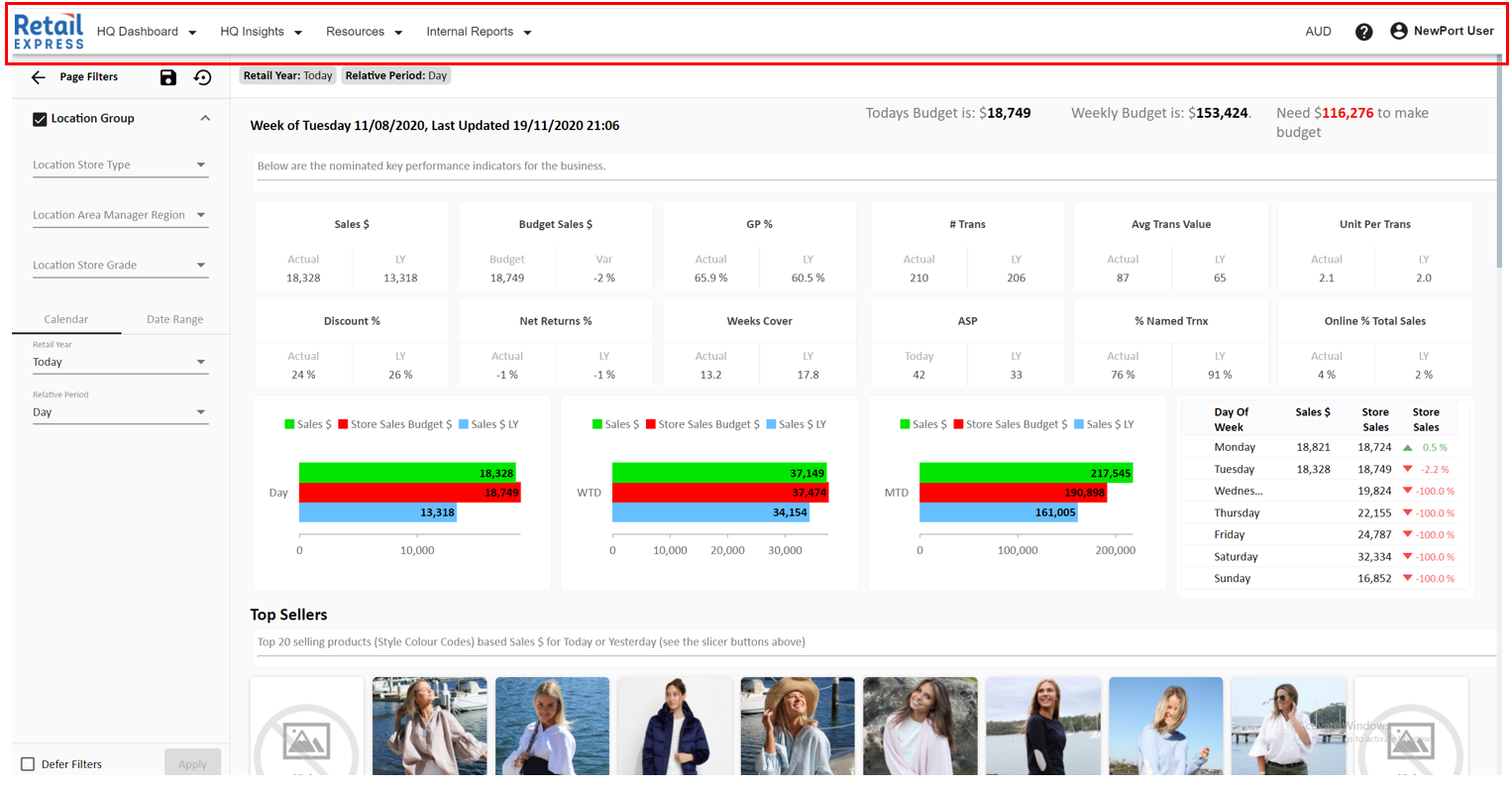
- Within the ribbon, your portal can contain different groups/folders/dropdowns, these are known as Modules.
- Modules are essentially folders that contain reports that we or you have built into the Portal
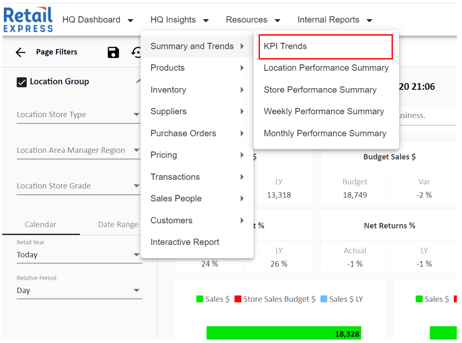
- If, for example, you wanted to navigate to the KPI Trends Page. You would first click HQ Insights (Module) > Hover over Summary and Trends > Select KPI Trends
Returning to the Homescreen
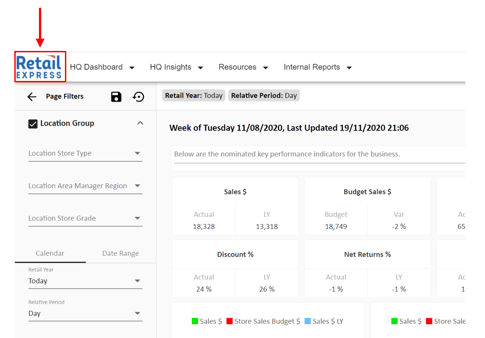
- If you ever get lost within the Portal, you can select your company logo to return to the Home Screen
Help and Resources
- If you ever need help with understanding components, reconnecting to the cube, general features, tutorial videos, or any issues, we offer both a Resources section and Help icon to help you out.
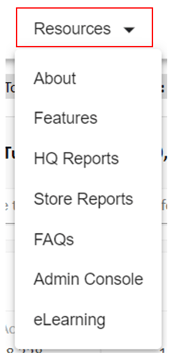
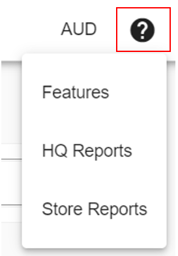
External Uploads
- If you have been trained and have been given access to the External Uploads. You can navigate there using the following icon.
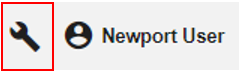
Logging Out * Change Password * My Views
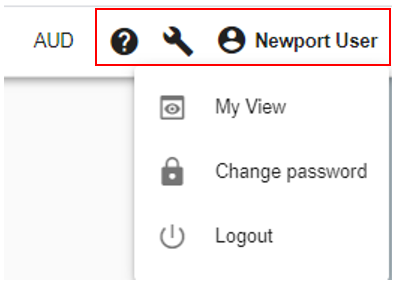
- If you want to log out, change your password or access my views, simply select your username on the top right of the ribbon