![mousemat.png]](https://fundamentals.theretailscore.com/hs-fs/hubfs/mousemat.png?height=40&name=mousemat.png)
Stock Movements can be found in the Stock module under the 'Movement' folder.
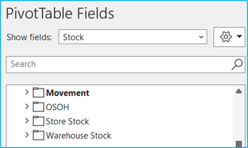
Here you can report on stock that has been transferred in and out of any location showing both the sending and receiving location names.
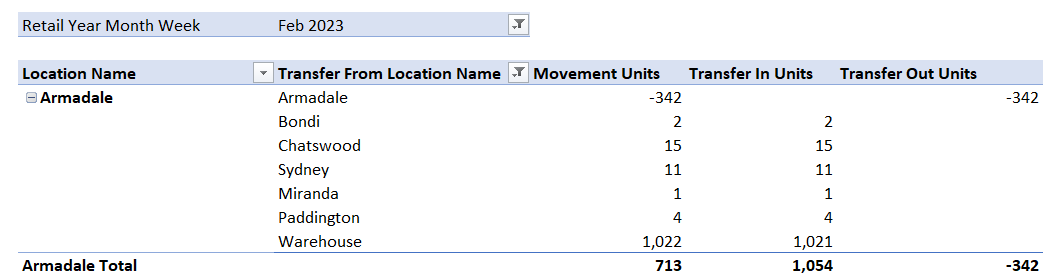
Stock is reported coming in against the receiving location. Stock going out shows as a negative number. Pull in 'Transfer from location name' to see where the stock was sent from.
These are also linked to the calendar and so can be filtered down to a point in time.
Stock movement is a sum of both in and out transfers. Use the 'transfer in' and 'transfer out' fields to split the stock movement if you prefer.
See below example report showing the transfer from location name and where the goods are being sent to.
See the below link for more information on How can I see my Goods in Transit?